Comment Node
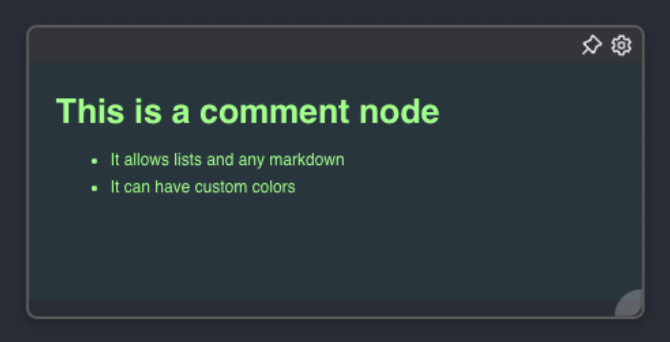
Overview
The Comment Node is a special type of node that doesn't perform any operations but serves as a way to add notes or comments to a graph. It can be used to provide additional context or explanation for a group of nodes, making the graph easier to understand. The Comment Node is always rendered behind other nodes and has a distinct appearance with customizable colors.
A comment node is always rendered behind all other nodes and connections in the graph, including while it is being dragged. Its body is transparent to canvas drag gestures, so you can pan the artboard from inside a large comment. Use the comment header or resize handles when you want to move, edit, or resize the comment itself.
- Inputs
- Outputs
- Editor Settings
Inputs
The Comment Node does not have any inputs.
Outputs
The Comment Node does not produce any outputs.
Editor Settings
| Setting | Description | Default Value |
|---|---|---|
| Color | The color of the text in the comment node. | rgba(255,255,255,1) |
| Background Color | The background color of the comment node. | rgba(0,0,0,0.05) |
| Text | The text content of the comment node. Supports Markdown syntax, allowing for rich text formatting including headings, lists, etc. | (Empty) |
Example Usage
The Comment Node can be used to add notes or comments to a graph. For example, if you have a group of nodes performing a specific operation, you can add a Comment Node behind them to provide a brief explanation of what they do.
Additionally, you can use different colors for the text and background of different Comment Nodes to visually distinguish between different sections of your graph.